

Table of Contents
Listen Here
There is Complete tutorial for creating your own items on Roblox! Ready to become a developer? In this article, you'll find out what Roblox is and why creating items in it is so much fun. We'll guide you through the steps to get started, show you the tools you need, and give you amazing tips to make your items shine. Are you ready to dive into the creative world of Roblox? Then let's get started!
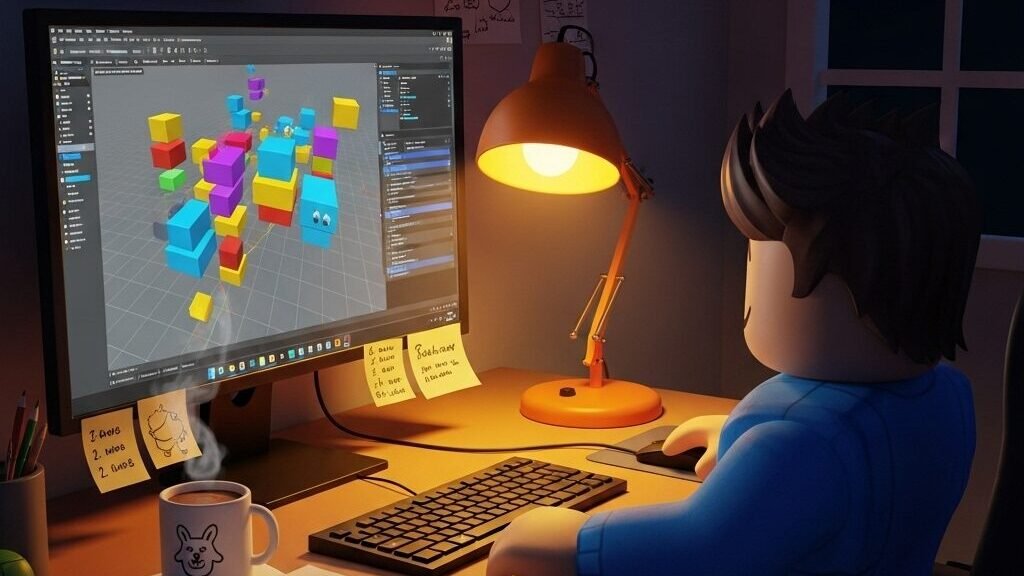
Is there a complete tutorial for creating Roblox items?
What is Roblox, and why is creating items so much fun?
Roblox is an online gaming platform that allows users to create, share, and play games made by others. With a vibrant community and a multitude of games, Roblox stands out by allowing players to become developers. Creating items for Roblox is one of the most exciting parts of this experience, as it allows you to express your creativity and create something that other players can use and enjoy. The satisfaction of seeing your own item being used by other players is indescribable.
Creating items in Roblox is a fun way to learn about design, programming, and marketing. Items can range from clothing and accessories to tools and weapons, and the possibilities are virtually endless, making item creation not only a fun activity but also an excellent learning opportunity.
There's a complete tutorial for creating your own items on Roblox! Ready to become a developer?
If you're excited to start creating your own items on Roblox, you've come to the right place! This Complete tutorial for creating your own items on Roblox will guide you through every step of the process, from conceiving the idea to publishing your item. We'll explore the necessary tools, the steps for creation, and some useful tips that will help you stand out in the community. Get ready to dive into the world of Roblox item development!
Steps to start creating Roblox items
- Create an account on RobloxIf you don't have an account yet, the first step is to create one. It's simple and free. Just go to the Roblox website and follow the instructions to sign up.
- Access Roblox StudioRoblox Studio is the primary tool you will use to create your items. After creating your account, you can download Roblox Studio and start exploring its features.
- Select the type of itemBefore you start creating, think about the type of item you want to develop. You can create clothing, accessories, or even objects for games. Define your idea clearly.
- Design your item: Use graphic design software to create the look of your item. Programs such as Photoshop, GIMP, or online tools can be useful. Maintain the cartoonish and colorful style that Roblox adopts.
- Import your item into RobloxAfter creating your design, you will need to import it into Roblox Studio. Use the import tool to upload your item and adjust it as needed.
- Test your item: Before publishing, test your item within Roblox Studio. This will ensure that everything works correctly and that your item looks the way you want it to.
- Post your item: Once you are satisfied with your item, it's time to publish it! Follow the instructions in Roblox Studio to make it available to other players.
Tools needed to develop items in Roblox
To create items in Roblox, you will need a few essential tools:
- Roblox Studio: This is the main development platform for creating games and items on Roblox. This is where you will model, program, and publish your items.
- Graphic design softwarePrograms such as Adobe Photoshop, GIMP, or Canva are great for creating graphics for your items. They allow you to design and edit your creations effectively.
- 3D modeling toolsIf you plan to create 3D objects, tools such as Blender or Tinkercad can be very useful.
- Community and forums: Participating in online communities, such as Roblox forums or Discord groups, can provide inspiration, tips, and support from other developers.
Tips for creating Roblox items that everyone will love
- Be creativeDon't be afraid to experiment with new ideas and styles. Unique items tend to stand out more.
- Keep it simple: Highly complex items can be difficult to understand. Keep the design simple and appealing.
- Use vibrant colors: Colorful and vibrant items catch players' attention. Use a color palette that is appealing.
- Test with friends: Ask friends or community members to test your items and provide feedback.
- Keep up with trends: Stay tuned to trends within the Roblox community. Items that are currently popular may have a better chance of success.
How to program items in Roblox: a simple guide
Programming items in Roblox may seem intimidating, but with practice, you can easily learn. Here are some basic steps:
- Learn the Lua languageRoblox uses the Lua programming language. There are many online tutorials that can help you learn the basics.
- Use pre-made scriptsRoblox offers a variety of scripts that you can use as a basis.
- Test your scriptsAlways test your scripts within Roblox Studio before publishing them.
- See the Roblox documentation: The official Roblox documentation is an excellent source of information on how to program items.
- PracticeThe more you practice, the more comfortable you will become with programming. Don't be afraid to make mistakes; they are part of learning.
Roblox item design: how to make your item stand out
Design is a crucial part of creating items in Roblox. Here are some tips to ensure your item stands out:
- Consistent style: Maintain a consistent style across all your items. This helps to create a brand identity.
- DetailsAdd small details that make your item unique, such as patterns or textures.
- Visual feedback: Ensure that your item has adequate visual feedback when in use.
- Explore different shapes: Try out different silhouettes and designs to create something unique.
- Inspiration: Look for inspiration in other popular Roblox items and other media.
Where to sell your items on Roblox: learn about the marketplace
Once you have created and published your items, it is time to sell them! Roblox has a marketplace where you can list your items for sale. Here are some tips on how to navigate this marketplace:
- Set a fair price: Search for similar items to understand what others are charging.
- Promote your itemsUse social media and the Roblox community to promote your items.
- Attend eventsRoblox frequently holds events that can help promote your items.
- Offer promotions: Consider offering promotions or discounts to attract more buyers.
- Maintain a good relationship with buyersAnswer questions and feedback in a friendly manner.
Roblox events and news: what's coming up?
Roblox is always updating and bringing new events and features. Stay tuned for official announcements and follow Roblox on social media to stay informed about:
- Seasonal eventsRoblox often holds themed events during holidays.
- New toolsRoblox is always releasing new tools and updates for Roblox Studio.
- CollaborationsRoblox collaborates with popular brands and franchises, bringing new items and events.
- Community trends: Keep up with trends within the Roblox community.
- Community feedbackRoblox values community feedback and frequently implements improvements.
The Roblox community and how it can help you
The Roblox community is one of the most welcoming and collaborative communities out there. Here are a few ways the community can help you on your journey as a developer:
- Forums and groupsThere are many forums and groups dedicated to Roblox.
- Tutorials and resourcesThe community is rich in tutorials and resources created by other developers.
- Collaborations: Don't hesitate to collaborate with other developers.
- Community events: Participate in events and competitions organized by the community.
- Support and motivationThe community is a great place to find support and motivation.
Conclusion
Hey, ready to go? bring to life your creativity on Roblox? With the tips and steps you've learned, the journey to creating your own items is just beginning. Remember, every item you create is a unique expression who you are. Don't be afraid to experiment and have fun in the process. A Roblox community is here to support you every step of the way.
So don't waste any time! Start creating, and who knows, your item could become the next big thing. success platform. And if you want to continue improving, be sure to check out more amazing articles at bloxando.com. Let's embark on this adventure together!